isn’t that what rt-server is supposed to do though?
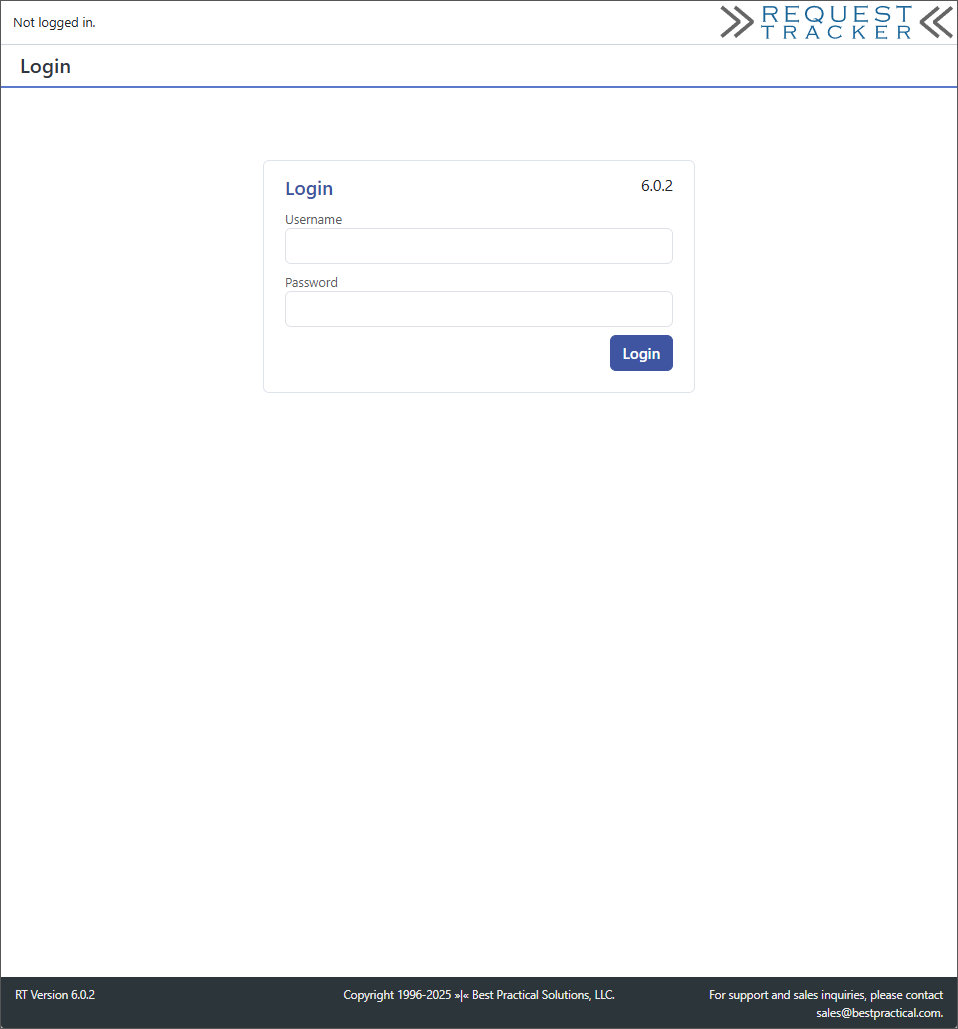
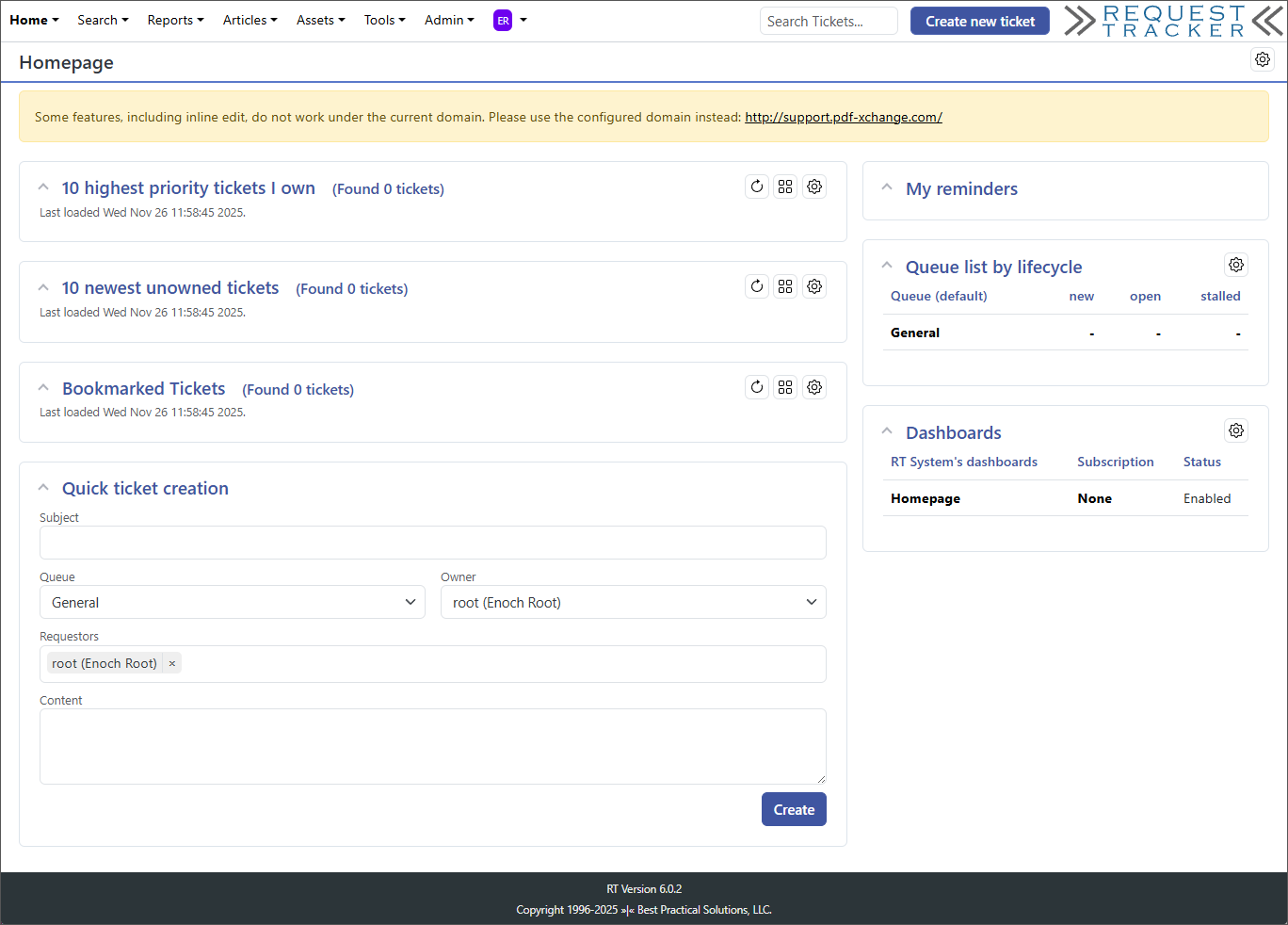
If I do that, it creates the DB OK and even tells me I have successfully logged in but I get returned to the login screen:
@rt6:~/rt-6.0.2$ sudo make initialize-database /usr/bin/perl -I/opt/rt6/local/lib -I/opt/rt6/lib sbin/rt-setup-database --action init --prompt-for-dba-password In order to create or update your RT database, this script needs to connect to your mysql instance on localhost (port ‘’) as root Please specify that user’s database password below. If the user has no database password, just press return. Password: Working with: Type: mysql Host: localhost Port: Name: rt6 User: root DBA: root Now creating a mysql database rt6 for RT. Done. Now populating database schema. Done. Now inserting database ACLs. [34514] [Wed Nov 26 16:41:08 2025] [warning]: DatabaseUser is root. Skipping… (/opt/rt6/etc/acl.mysql:13) Done. Now inserting RT core system objects. Done. Now inserting data. Done inserting data. Done. pauldamianororke@rt6:~/rt-6.0.2$ sudo /opt/rt6/sbin/rt-server --port 8080 [34679] [Wed Nov 26 16:41:45 2025] [info]: Successful login for root from 154.5.66.51 (/opt/rt6/sbin/../lib/RT/Interface/Web.pm:1026) [34682] [Wed Nov 26 16:43:25 2025] [info]: Successful login for root from 154.5.66.51 (/opt/rt6/sbin/../lib/RT/Interface/Web.pm:1026) [34684] [Wed Nov 26 16:44:02 2025] [error]: FAILED LOGIN for from 154.5.66.51 (/opt/rt6/sbin/../lib/RT/Interface/Web.pm:1021) [34685] [Wed Nov 26 16:44:13 2025] [info]: Successful login for root from 154.5.66.51 (/opt/rt6/sbin/../lib/RT/Interface/Web.pm:1026)
No RT server is to run the web server, since you may need additional permissions to create the DB that’s why it prompts you for the RT database admin password. But once the DB is created rt-server should be able to connect as you can see by hitting the login page successfully.
Since you’re using HTTP and not HTTPS you will need to set:
OK - well in the end I got past it by NOT using rt-server.
Clearly my stubbornness on insisting on using rt-server to set up the DB was the root of my frustration. I really appreciate the help from everyone on here. While I dd not get rt-server working as expected it is a moot point now.
I’ve successfully used that for years but of course that was restoring to the original 4.4.2. If my dump is ignoring the sessions table why would it be trying to use it on make upgrade-database
Restoring the DB doesn’t complain, just the upgrade.
What might be a better dump command on an old 4.4.2 DB so it has what make upgrade-database expects?
Here is the output:
@rt6:~/rt-6.0.2$ sudo make upgrade-database[sudo] password for pauldamianororke:/usr/bin/perl -I/opt/rt6/local/lib -I/opt/rt6/lib sbin/rt-setup-database --action upgrade --prompt-for-dba-passwordIn order to create or update your RT database, this script needs to connect to your mysql instance on localhost (port ‘’) as rootPlease specify that user’s database password below. If the user has no databasepassword, just press return.Password:Working with:Type: mysqlHost: localhostPort:Name: rt6User: rt_userDBA: rootEnter RT version you’re upgrading from: 4.4.2
Going to apply following upgrades:
4.4.5
4.4.6
4.5.0
4.5.1
4.5.2
4.5.3
4.5.4
4.5.5
4.5.6
4.5.7
4.5.8
5.0.2
5.0.3
5.0.4
5.0.5
5.0.6
5.0.8
5.9.0
5.9.1
5.9.2
5.9.3
5.9.4
5.9.5
5.9.6
5.9.7
6.0.1
Enter RT version if you want to stop upgrade at some point,or leave it blank if you want apply above upgrades:
So I need to give a shout out to Keri at Best Practical Sales, I reached out for help with this and she got me the answer I was looking for.
It was documented and I missed it. For anyone that is interested, my dumps were using --ignore-table=rtdb.sessions
which is appropriate for restoring to the same database, but in order to complete the upgrade I needed to still export the sessions table schema as documented here: System administration/Database - RT 6.0.2 Documentation - Best Practical
Dump the DB without session data but with the session table schema: ( mysqldump --default-character-set=utf8mb4 rt6 --tables sessions --no-data --single-transaction; \ mysqldump --default-character-set=utf8mb4 rt6 --ignore-table rt6.sessions --single-transaction ) \ | gzip > rt-`date +%Y%m%d`.sql.gz
Run /opt/rt6/sbin/rt-setup-database --action create,acl to create a clean database without the RT6 additional tables that make initialize-database does.
Import the database with gunzip -c rt-20251203.sql.gz | mysql -u root -p rt6
Upgrade the DB with sudo make upgrade-database
End result was a success: … Now inserting data. Processing 6.0.1 Now inserting data. Done.
I really want to say a big thank you to all who helped.
That’s a very helpful solution — thanks for sharing. I ran into exactly the same “Table ‘SavedSearches’ already exists” error during my RT 5.0.4 → 6.0.1 upgrade. Skipping the make initialize-database step and instead restoring the schema (including the empty sessions table) + then running /opt/rt6/sbin/rt-setup-database --action create,acl, importing the dump and doing make upgrade-database worked perfectly for me as well. If someone else hits this problem: make sure the session-table schema is imported (without data), then upgrade.