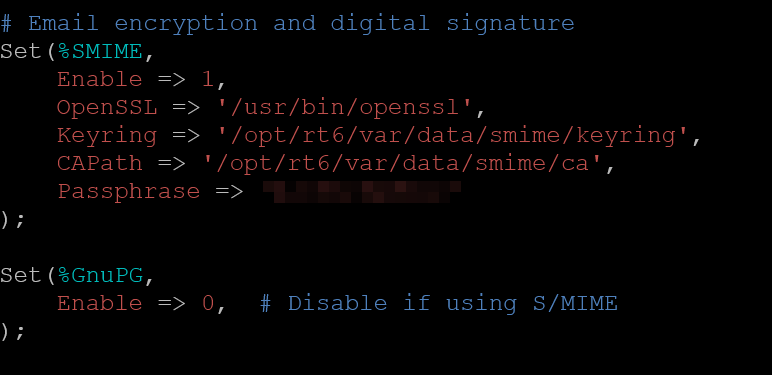
I have had a bit of trouble wrapping my head around postfix but RT can now send and receive emails. My next step is that all communications must be encrypted and digitally signed. I have a certificate in a .p12 file delivered by an official authority for my email address. My question is, how do I implement that? It might be more linked to postfix/fetchmail than RT, but I’m not entirely sure.
Thanks. It did get me closer after some tweaking, however I still don’t get any SMIME keys to choose from in the queue administration (It shows “Couldn’t get SMIME keys information”).
Nothing specifically related to that apparently. I have the level set to debug. What exactly should come in the keyring file? The documentation is not explicit and I haven’t found a satisfying answer online.
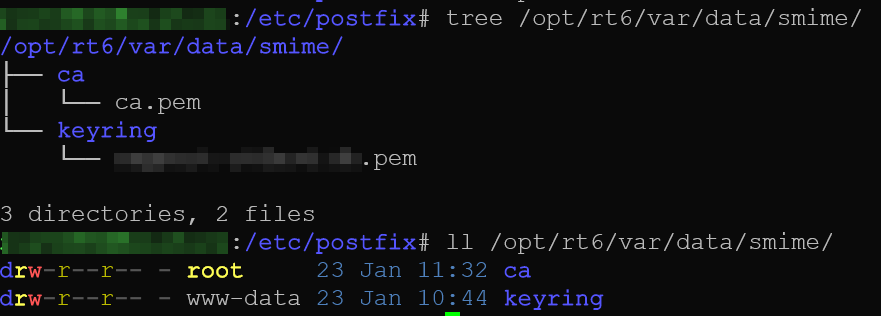
Right now my keyring file contains the contents of openssl pkcs12 -in mycert.p12 -out out.pem (i.e chain + private key) plus the public key
Well I fixed the problem, it seems like I had to point to the ca certificate directly and not just the folder (which the documentation says should work).