Issue
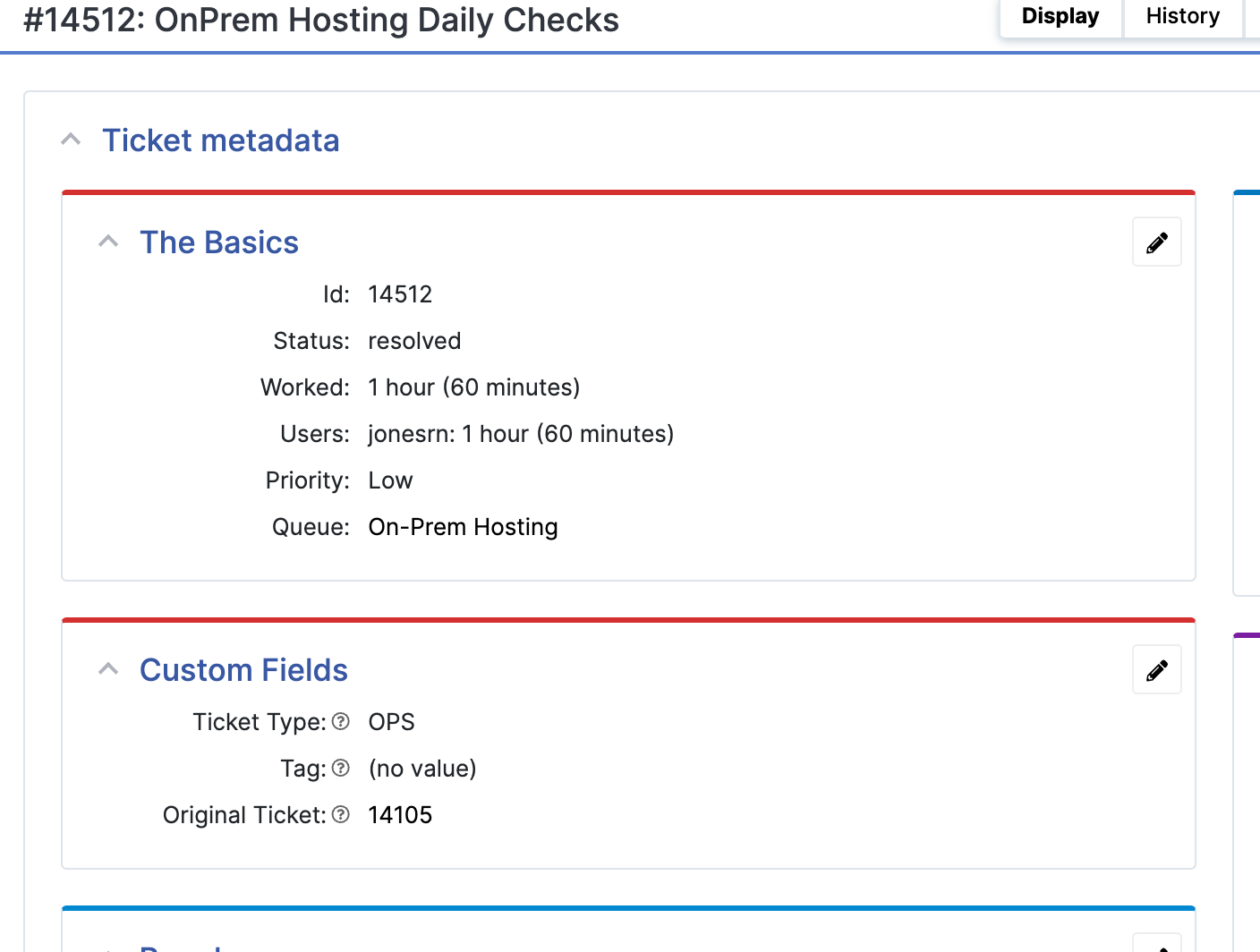
After starting recurrence on a given RT ticket, one might decide to change or stop the recurrence. However, it is not clear how or where to do this. There is no menu or page within the RT WebUI to see a list of all of our instances of recurrence. The only thing we see is that new tickets are being created whether we want them or not.

In addition, if you go into one of these tickets, you will see that there is no ‘Disable Recurrence’ button anywhere.
Fix
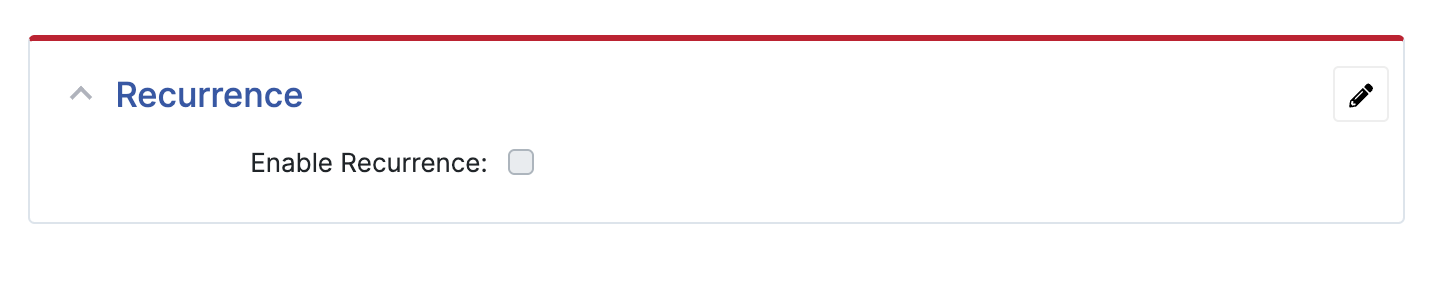
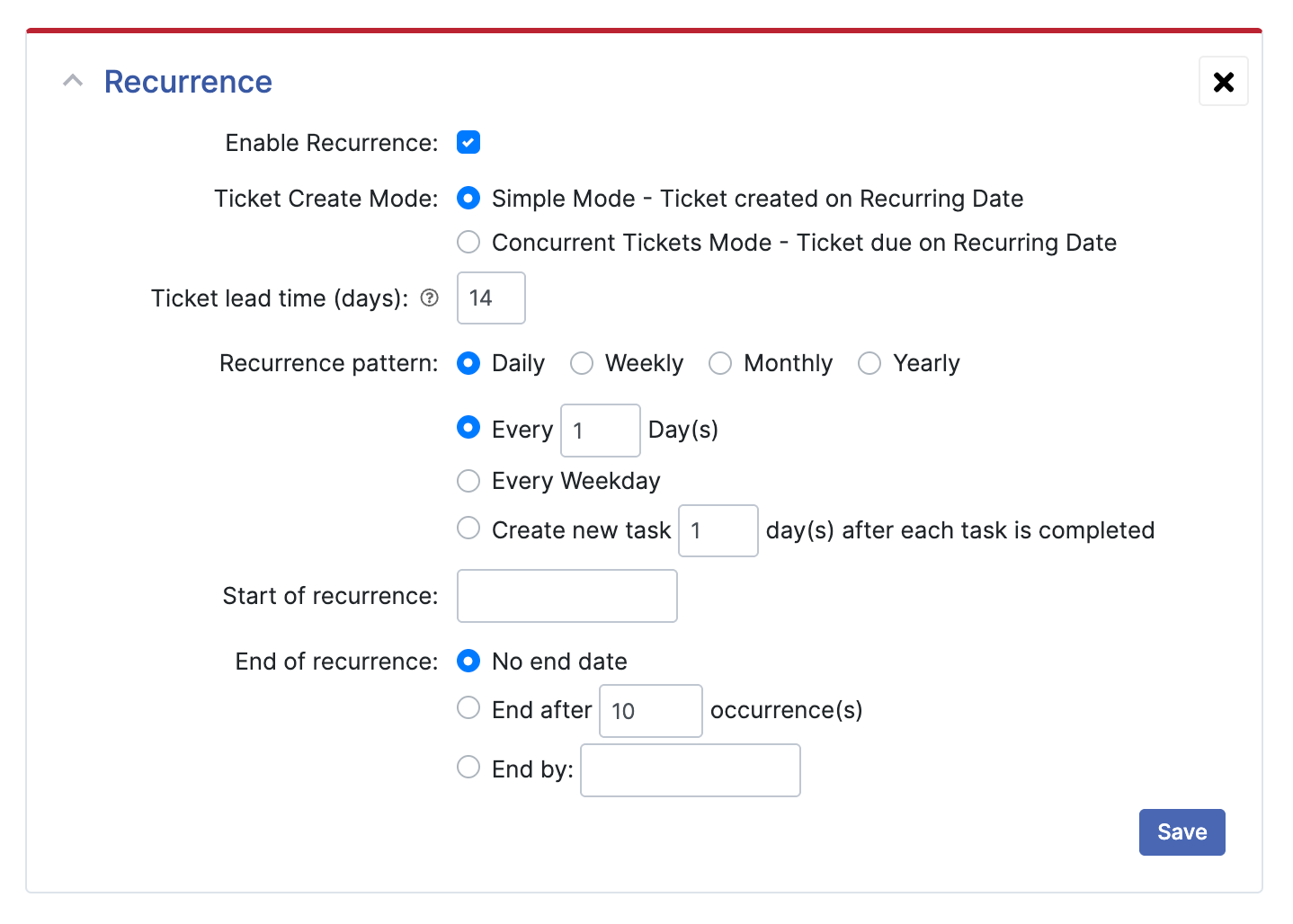
Look at the Custom Fields section of one of the unwanted system generated tickets. There, look at the “Original Ticket” field. Bring up that ticket and change or disable recurrence from there.