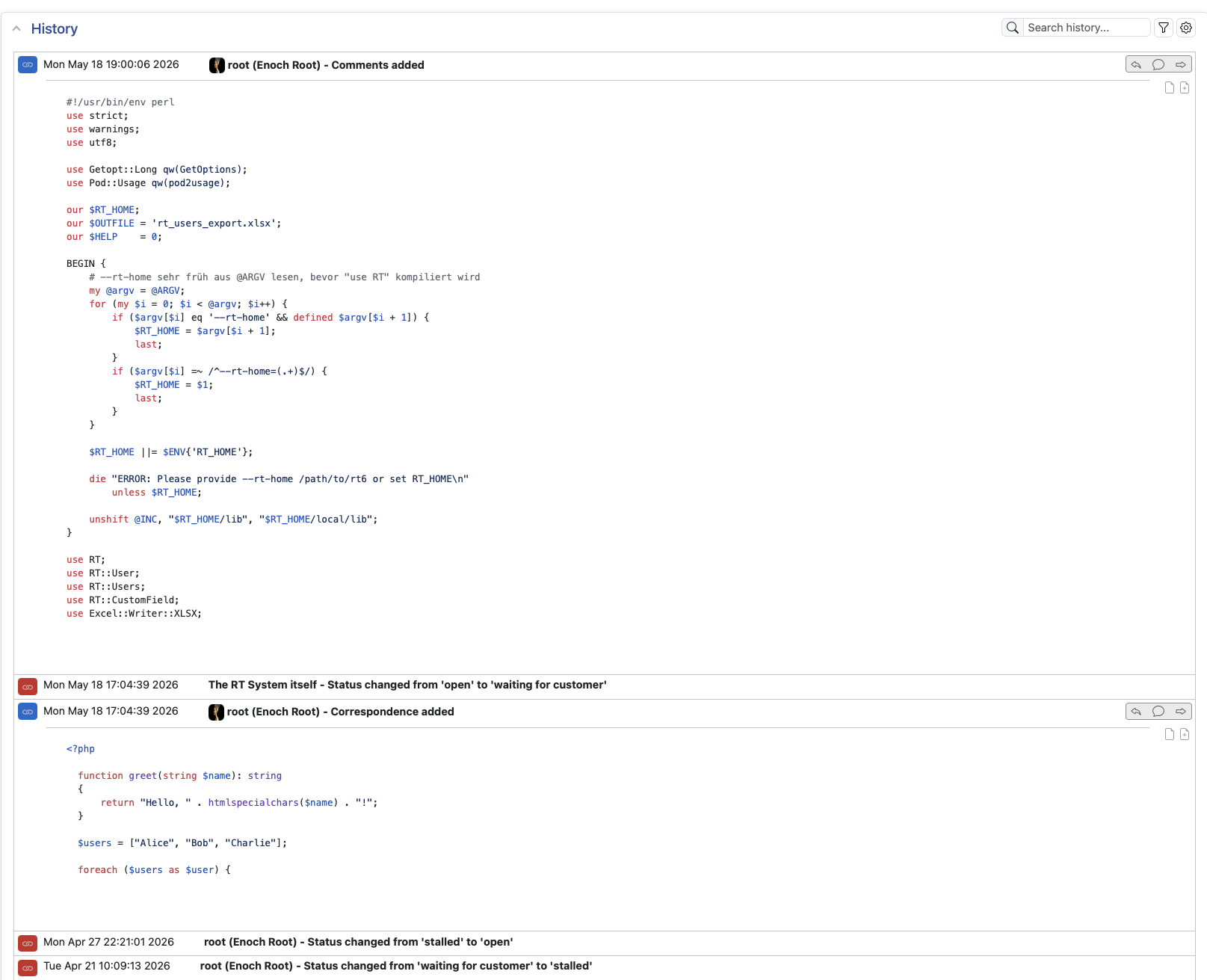
Previously (RT 5.x), I recorded code into ticket comments by tagging them as preformatted which gave them a mono-spaced font. Since updating to 6.0.2, I’ve been using the Insert Codeblock option, but the language options in that feature are limited. The majority of the code I’m recording is Bash shell terminal interactions, and that only leaves me the “Plain text” option. At least under the 5.x way of working, I could make the commands I was typing be in bold, with the responses being in regular font. Is there any way that I can extend the list of language options?
You can add additional languages to the dropdown via RT config:
Set(
      %MessageBoxRichTextInitArguments,
      codeBlock => {
          languages => [
              { language => 'plaintext', label => 'Plain text' },
              { language => 'perl',      label => 'Perl' },
              { language => 'javascript', label => 'JavaScript' },
              { language => 'python',    label => 'Python' },
              { language => 'bash',      label => 'Bash' },
              { language => 'sql',       label => 'SQL' },
          ],
      },
  );
But you’ll need to add a syntax highlighter like highlight.js to actually highlight the syntax on ticket display, per the CKEditor 5 docs apparently live code highlighting is not possible:
Although live code block highlighting is impossible when editing in CKEditor 5 (learn more), the content can be highlighted when displayed in the frontend (for example, in blog posts or website content).
Claude had these notes:
To wire up highlight.js in RT:
Static files — Place highlight.min.js and a theme CSS (e.g. github.min.css) in local/static/js/ and local/static/css/ respectively, then add them to RT_SiteConfig.pm:
  Set( @JSFiles,  qw( highlight.min.js highlight-init.js ) );
  Set( @CSSFiles, qw( highlight.github.min.css ) );
The init script should listen for htmx:afterSwap since RT 6 loads ticket history asynchronously:
  document.addEventListener('htmx:afterSwap', function (evt) {
      evt.target.querySelectorAll('.message-stanza pre code[class*="language-"]').forEach(function (el) {
          hljs.highlightElement(el);
      });
  });
Scrubber fix — RT’s HTML sanitizer strips unrecognized CSS classes including language-* before display, so highlight.js never sees them. Fix by creating local/lib/RT/Interface/Web/Scrubber_Local.pm:
  package RT::Interface::Web::Scrubber;

  $ALLOWED_ATTRIBUTES{class} = qr/(text-|fw-|fst-|fs-|align-|\btable\b|language-)/;

  1;
Wow, that is a great idea - even all of my highly creative users had not thought of that yet.
I tested it right away and turned it into a small extension. Anyone interested is welcome to give it a try: GitHub - tbrumm/RT-Extension-SyntaxHighlight · GitHub