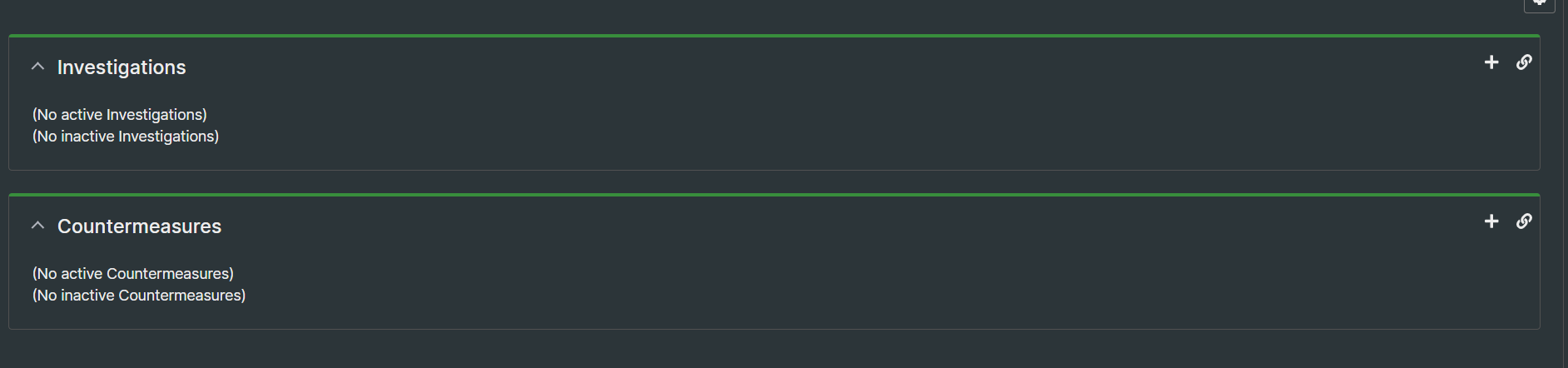
Could someone help me?
My RTIR version is 5.03.
I would like to change the default name of the Incident Reports queue to a new one.
If I do this, it not display Incident Reports in the incident queue.
Can anyone help me with this?
I don’t know much about RTIR but every queue has it’s Lifecycle devined in RT_SiteConfig.pm (or maybe in RTIR_SiteConfig.pm for this case). RTIR queues have special lifecycle so I assume the problem could be in this.
Hi,
the solution is add LinkedQueuePortlets the RTIR_SiteConfig.pm:
Set( %LinkedQueuePortlets, (
    'Incydenty' => [
        { 'Zgłoszenia' => [ 'All' ] },
        { 'Incident Reports' => [ 'All' ] },
    ],
));
But it’s not that perfect, the icons for “Create” and “Linki” to the Incident have disappeared. How can I fix this?
hey there @silver any luck with getting additional queues to work?
hey @aps unfortunately nothing more could be done about this topic
Hi I have been trying to solve this problem for a long time, and finally found the answer in the path
/html/Callbacks/RTIR/Ticket/Elements/ShowLinkedQueues/ for the MassageTitleBox file it is necessary to add the entry
my @queues = ( ‘Incident Reports’,‘Investigations’, ‘Countermeasures’, ‘Test1’, ‘Test2’ );
my %lifecycles = (
‘Incident Reports’ => ‘incident_reports’,
‘Investigations’ => ‘investigations’,
‘Countermeasures’ => 'countermeasures,
‘Test1’ => ‘incident_reports’,
‘Test2’ => ‘investigations’,
);
After this modification it is necessary to clear the cashe and restart the database and apache.
After the modification, everything should work
To change the default “Incident Reports” queue name in RTIR 5.03, go to Admin → Queues, rename the queue, and update any RTIR configuration or scripts referencing the old name. Otherwise, it won’t show properly in the incident queue.